
Applies to: Managers
Once an employee approves their setup, you activate the assessment to open it for rating.
Before you start
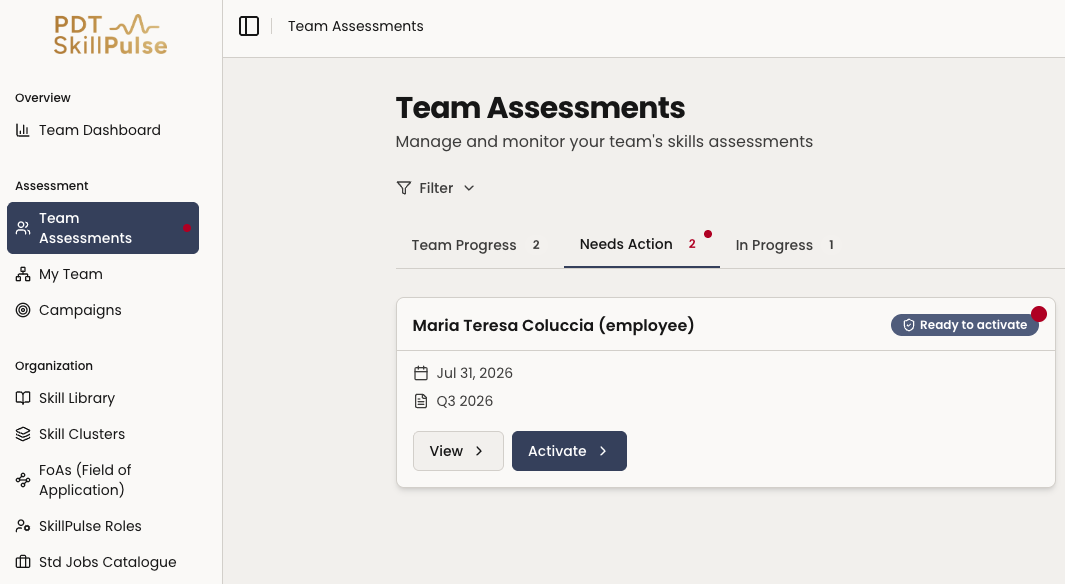
The employee must have approved the setup — the status will show Ready to activate.
If the employee requested changes instead, address those first.
Steps
Find the assessment — go to Team Assessments → Needs Action and open the one marked Ready to activate.
2. Activate — select Activate.
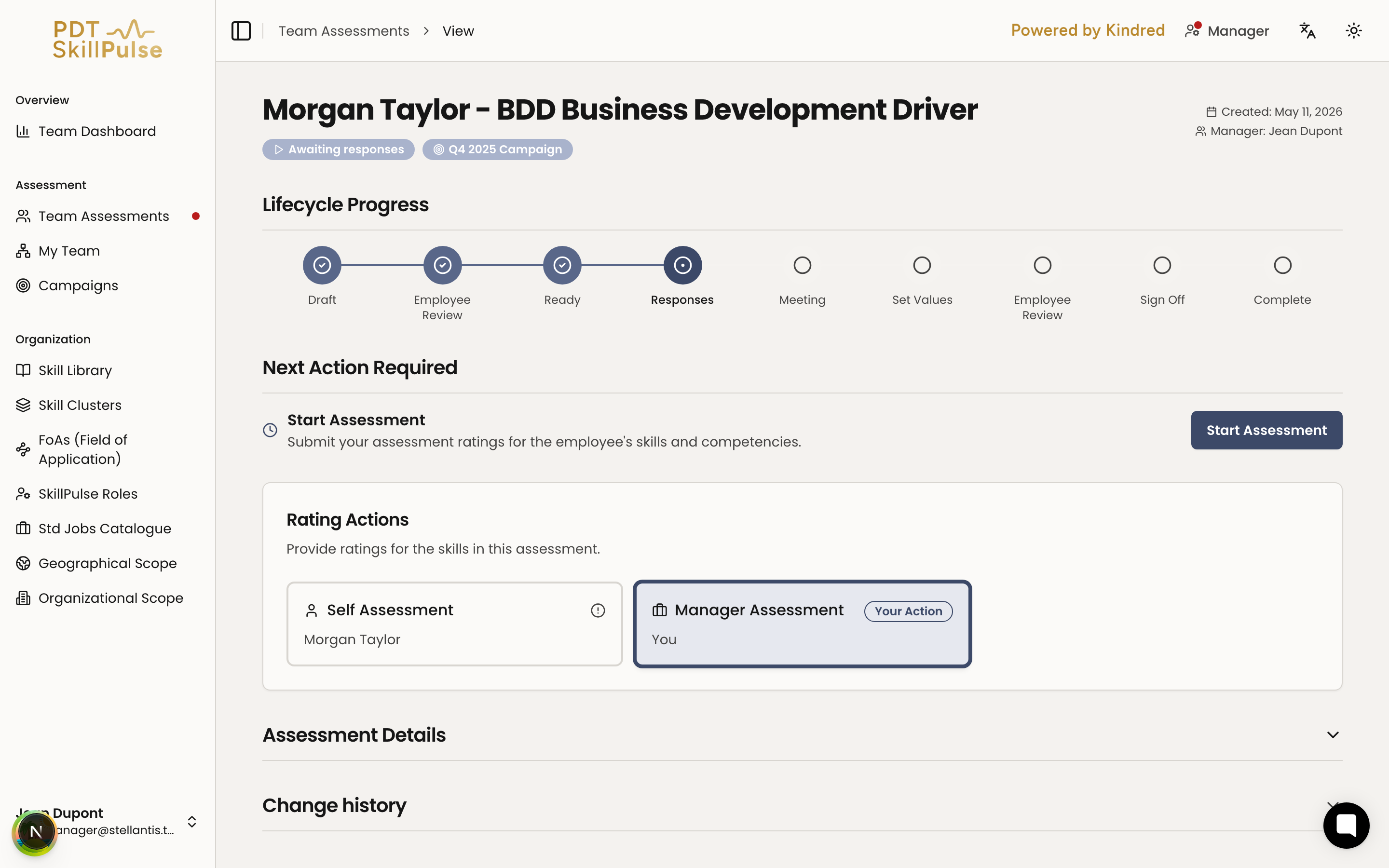
3. Done — the status changes to Awaiting responses, and SkillPulse notifies the employee and co-assessor (if assigned) that it's time to rate.
Tip: Nothing can be rated until you activate, so do this promptly once the employee approves to keep the assessment on schedule.