
Applies to: Anyone assigned as a co-assessor
Rating as a co-assessor works the same way as a self-assessment — you rate the employee's skills based on what you've observed.
Before you start
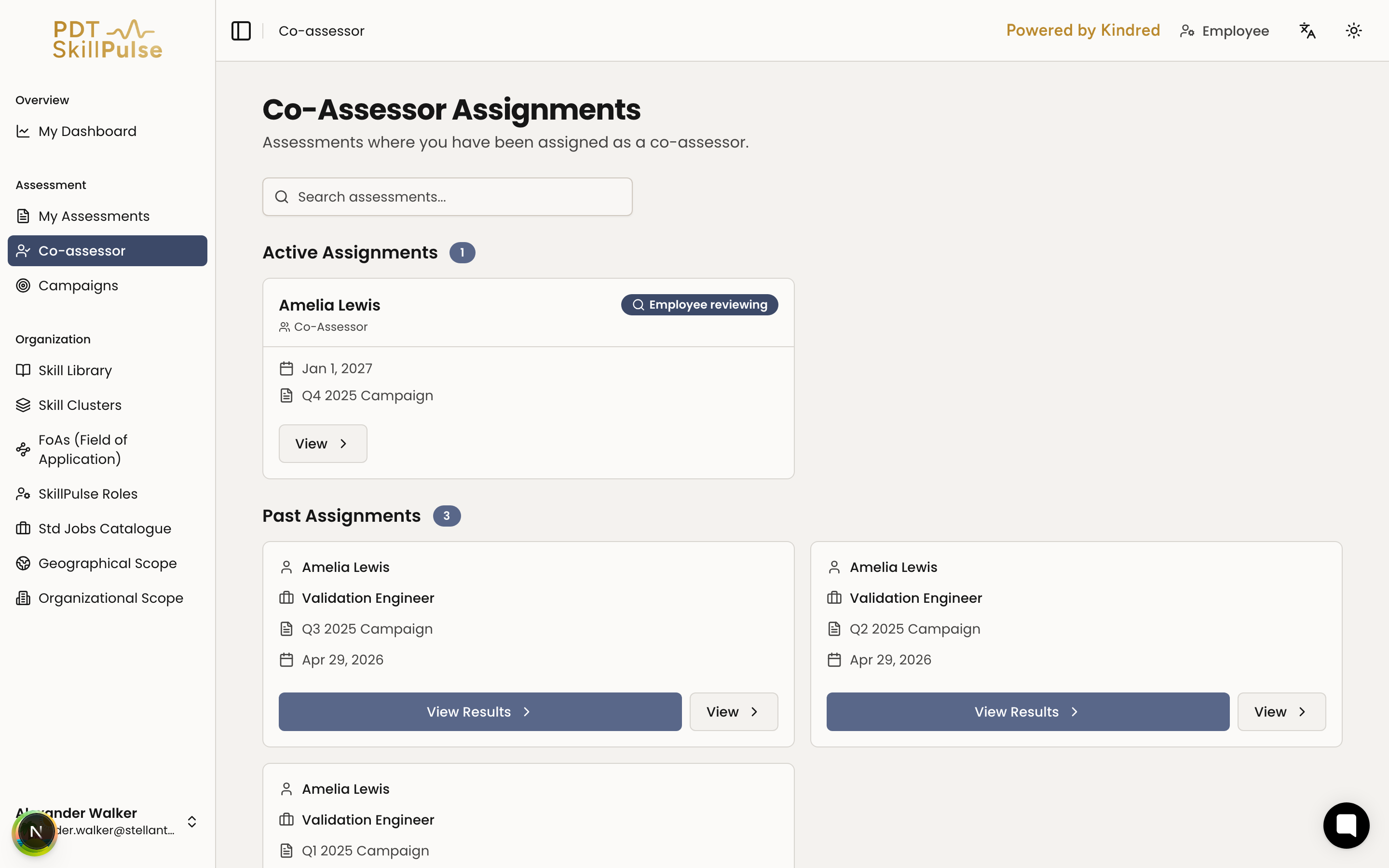
You'll be notified when you're assigned, and the assignment appears under Co-assessor → Active Assignments.
The assessment must be active for you to rate.
Steps
Open your assignment — go to Co-assessor → Active Assignments and select View.
2. Start rating — select Start Co-Assessor Assessment. 3. Rate each skill — skills are grouped by cluster. Choose a Proficiency Level from 1 to 5 (or N/A) for each, based on your observation of the employee. (screenshot coming soon) 4. Submit — your ratings save as you go; submit once you've rated every skill.
After you submit
Your part is done. The manager uses your ratings, along with the employee's, to set the final values.
Co-assessors don't see the final agreed values or full results — those stay between the employee and manager.
You can revisit assessments you've contributed to under Past Assignments.
Tip: Rate from your direct experience working with the person. Your peer view is valuable precisely because it's different from the manager's.